Focused edits
Change one finish at a time instead of regenerating the entire room.
Upload a room photo, choose what you want to change, and generate cleaner before-and-after concepts without losing the original layout.
Original room to finish-focused concept
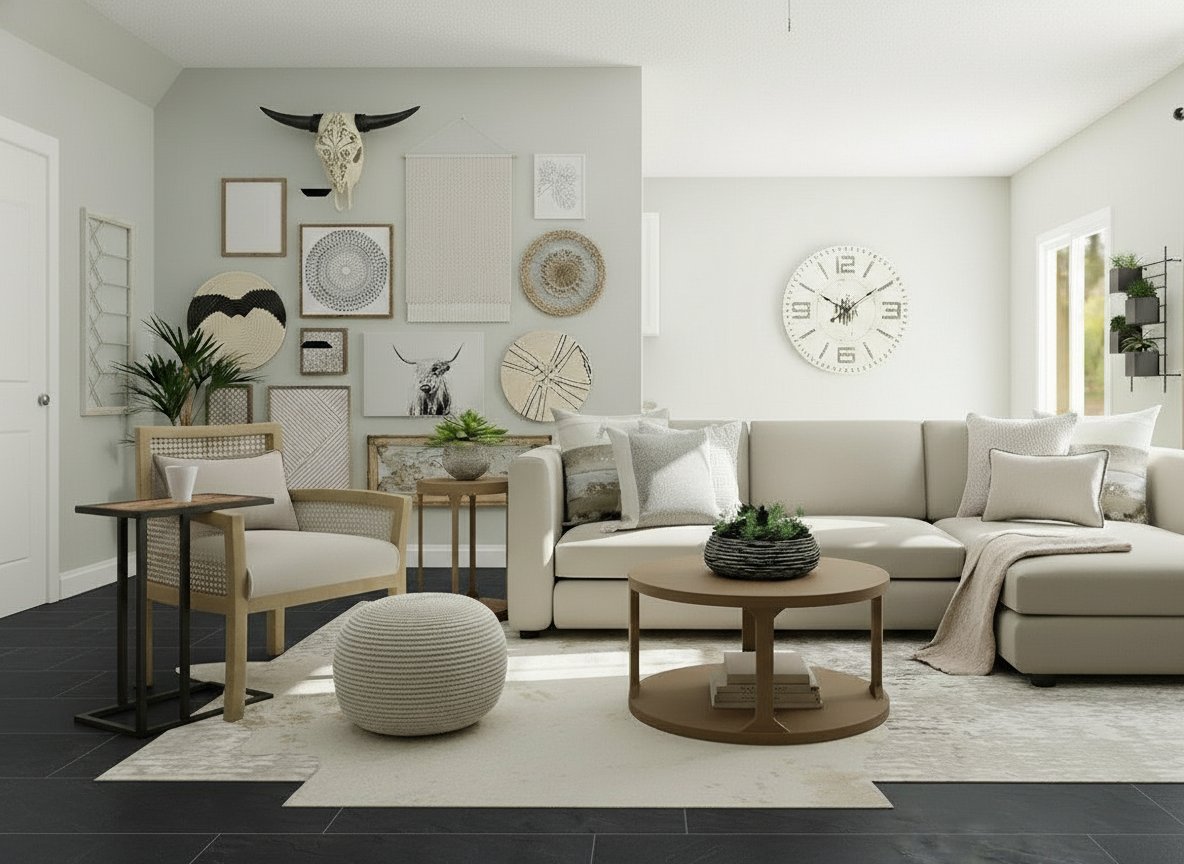
Change one finish at a time instead of regenerating the entire room.
Review each revision against the previous step or the original photo.
Keep every usable direction saved in one room timeline.
Work with paint, product references, and inspiration images in one place.
The product is meant to feel obvious: bring in a room, pick the surface, compare the result.
Start from one clear room photo with visible surfaces and lighting.
Choose floors, walls, cabinets, counters, ceilings, or backsplashes.
Review the new version in sequence before moving to the next finish.
These examples show sequential room updates instead of disconnected hero renders.
Floor, wall, and ceiling edits stay grounded in the original architecture.
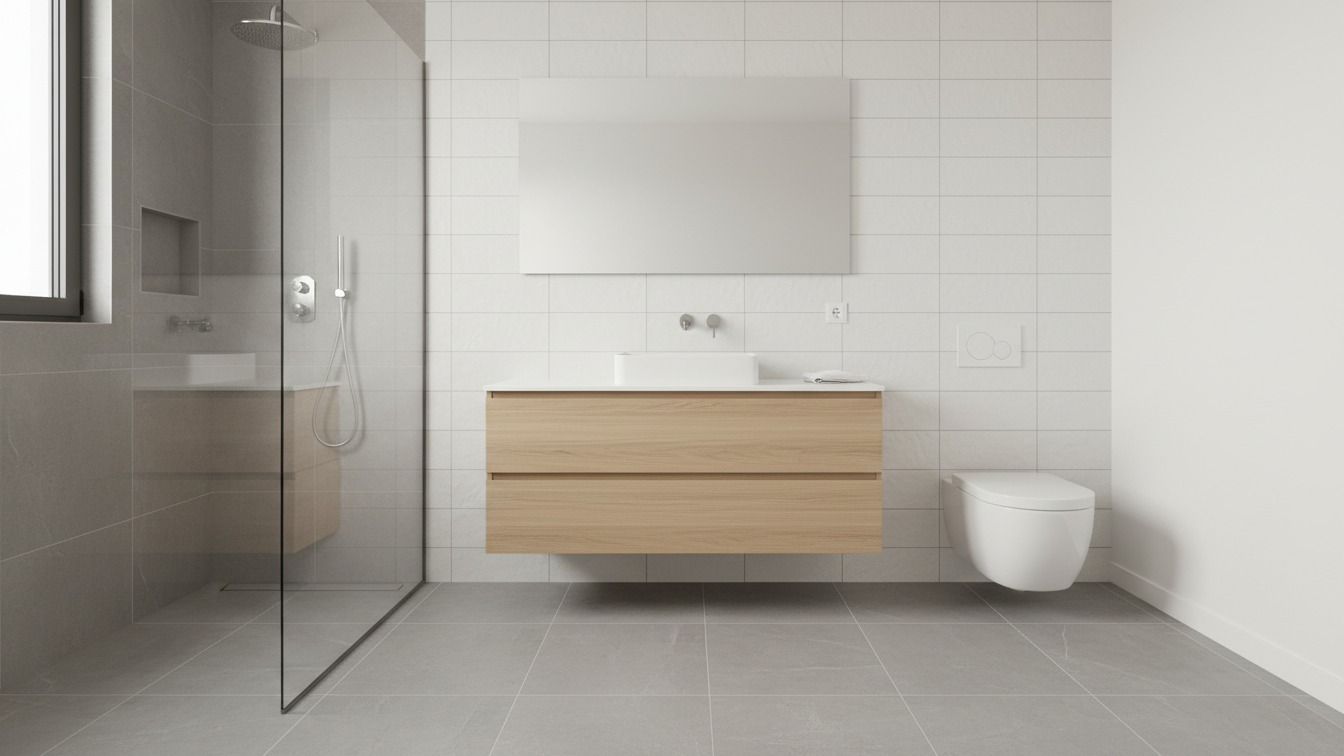
Move from wall and floor updates into a more complete refresh without losing scale.
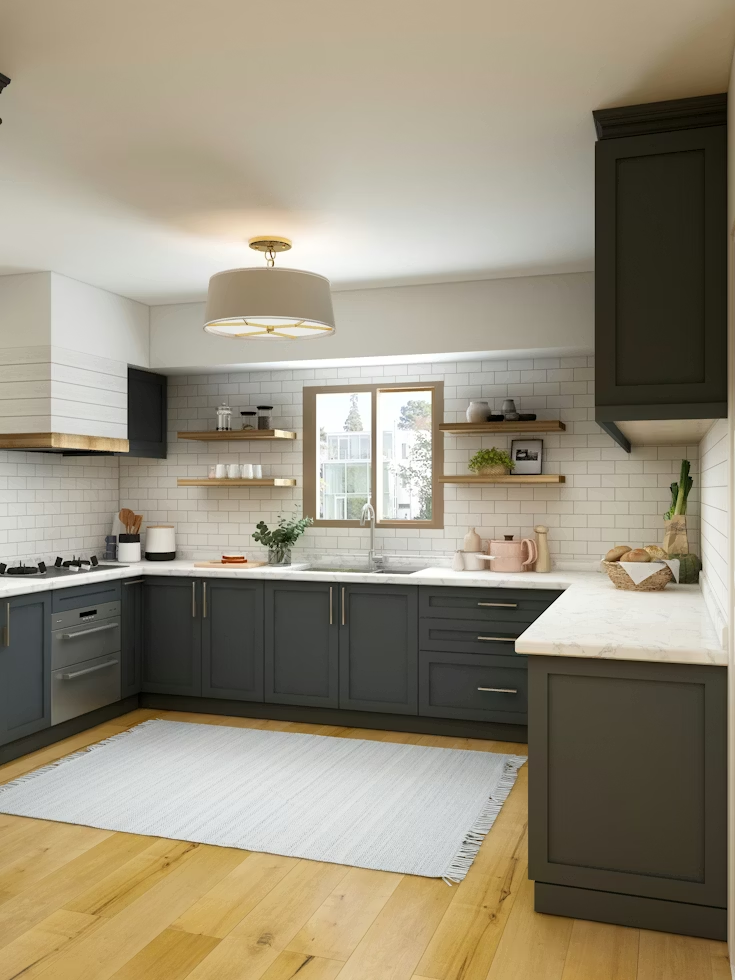
Review the room as a system before committing to more expensive materials.
Upload a photo, test surfaces, and keep only the directions that are worth taking further.